Some Teams meetings in the REF Hub will run as webinars. These need to be registered for in order to gain access, and the process for joining them is slightly different from a usual Teams meeting.
As with all REF Hub Teams meetings, we highly recommend using a private/incognito window for Teams webinars.
Register for a Teams webinar
| 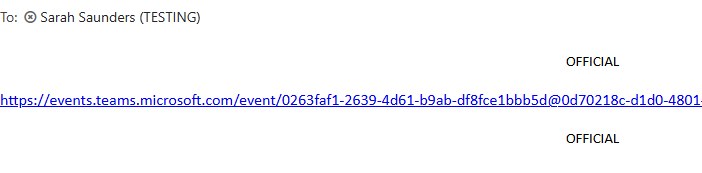 |
| 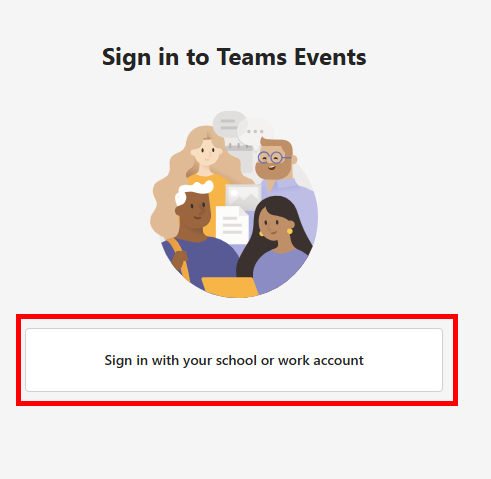 |
NOTE: If you see multiple accounts listed, please close your current tab and log into the REF Hub from a private/incognito window | 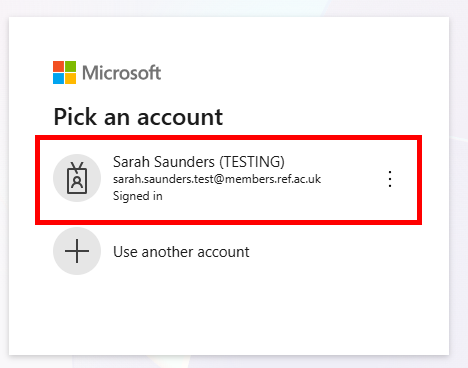 |
| 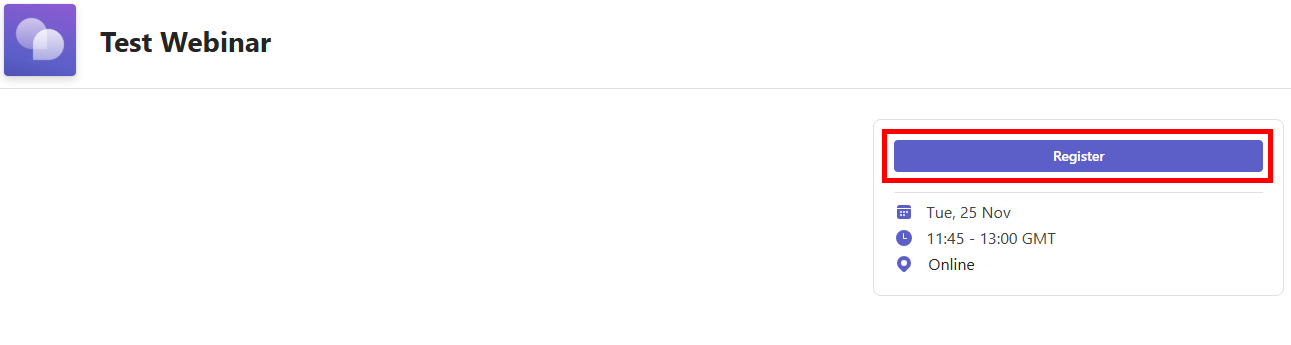 |
| 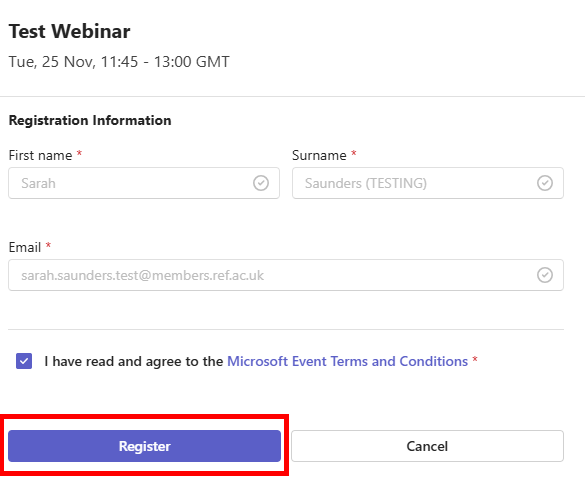 |
| 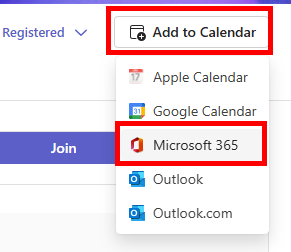 |
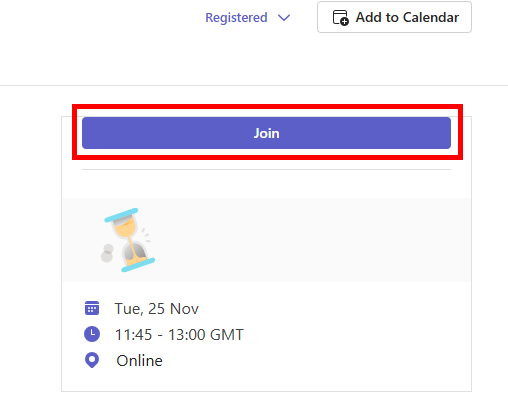
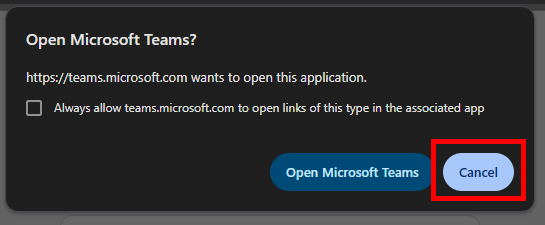
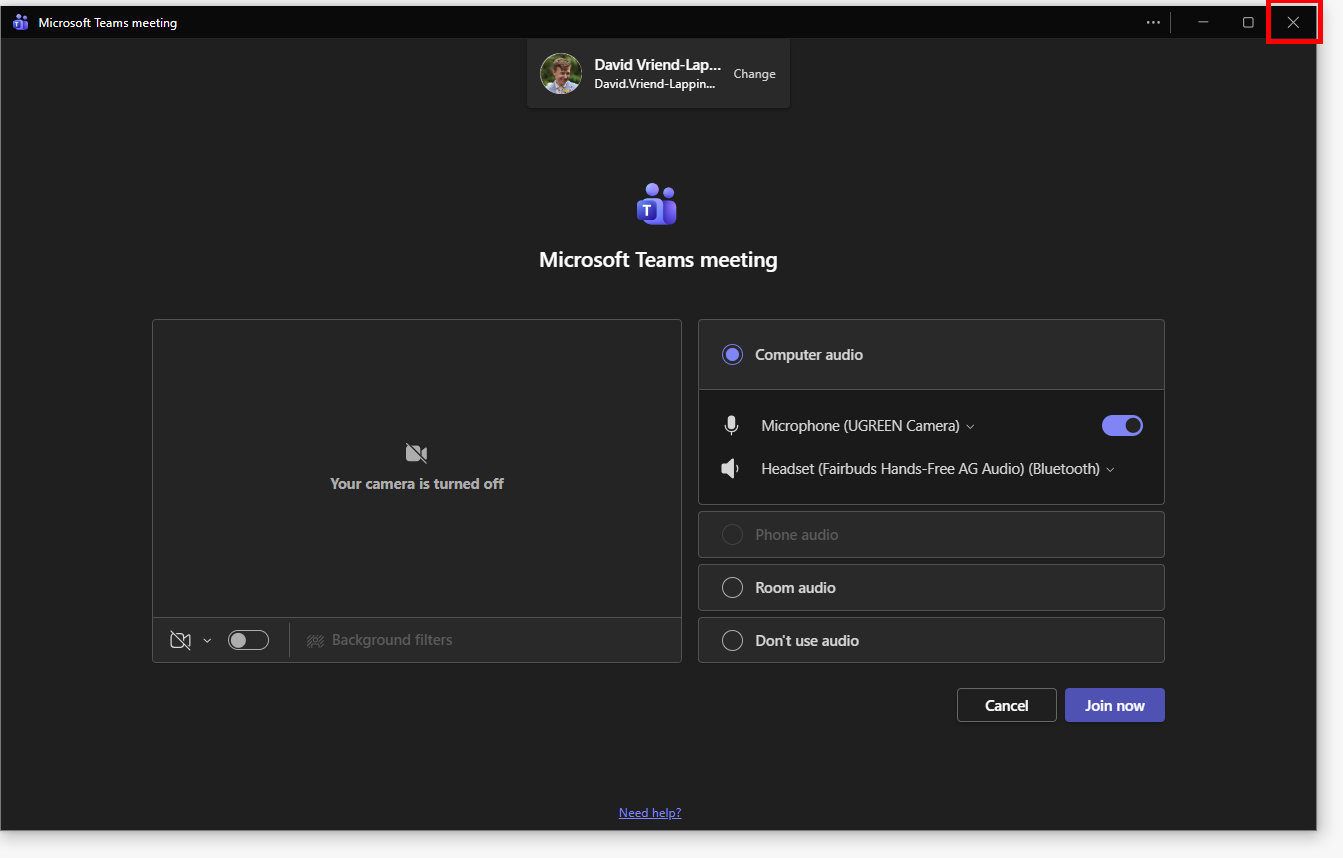
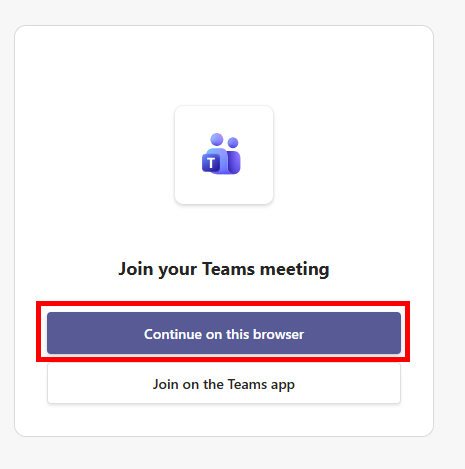
Join a Teams webinar
| 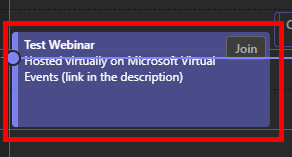 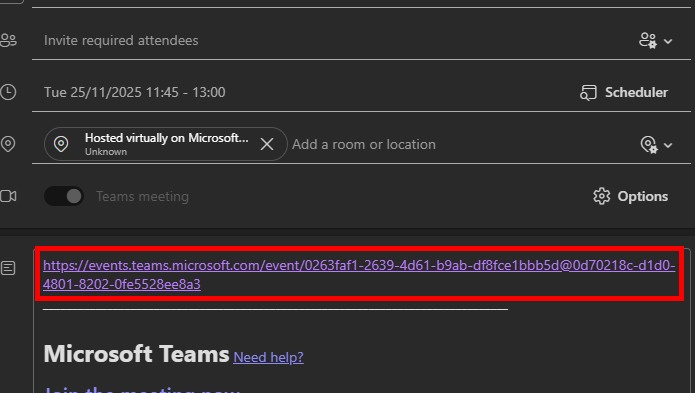 |
|  |
|   |
|  |
| 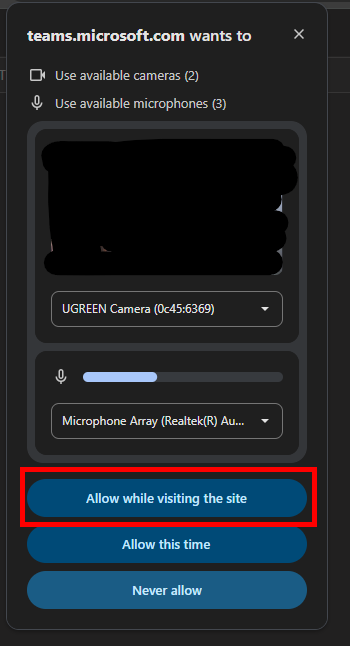 |
| 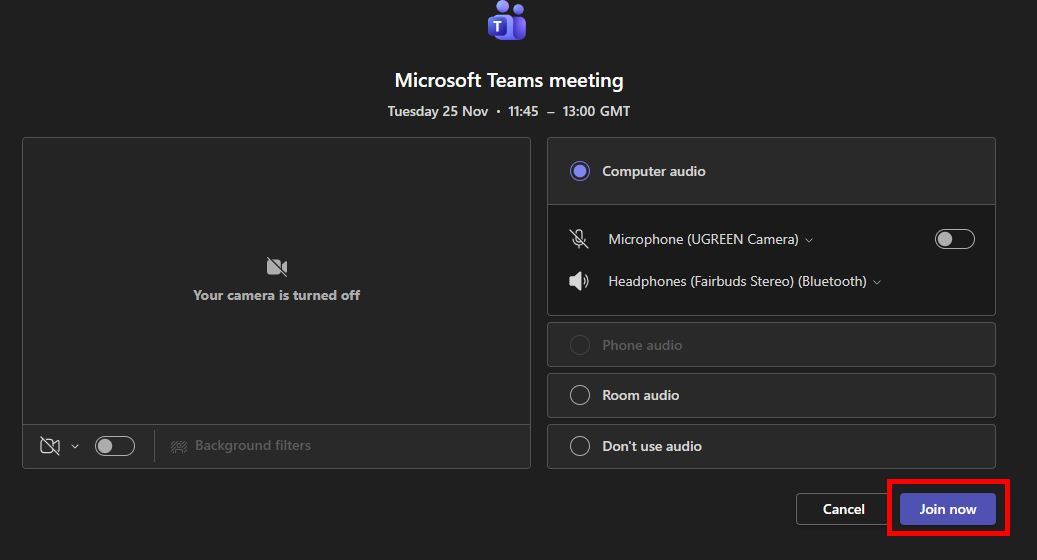 |
If you see no error message, skip this step:
| 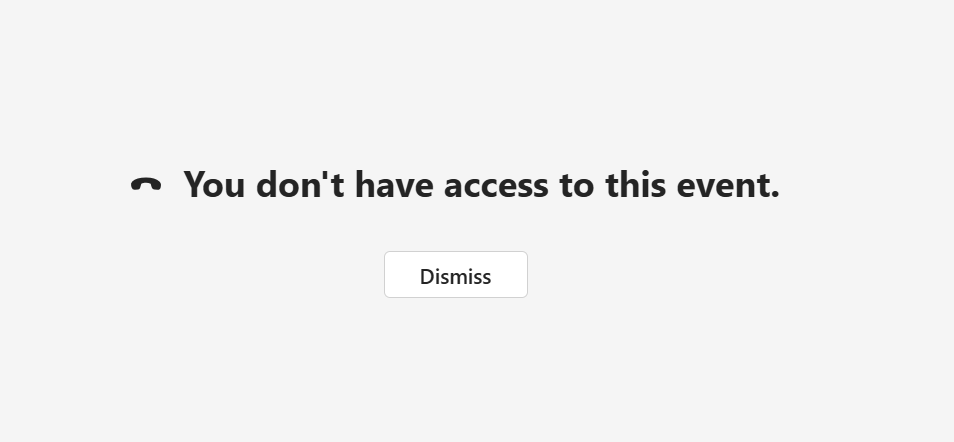 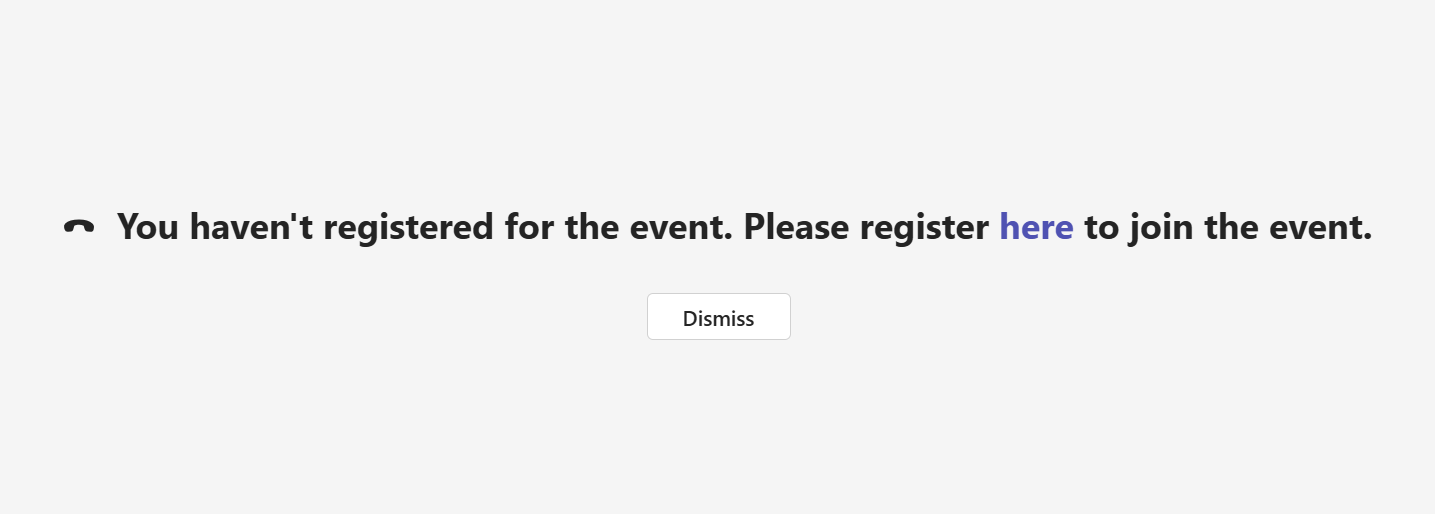 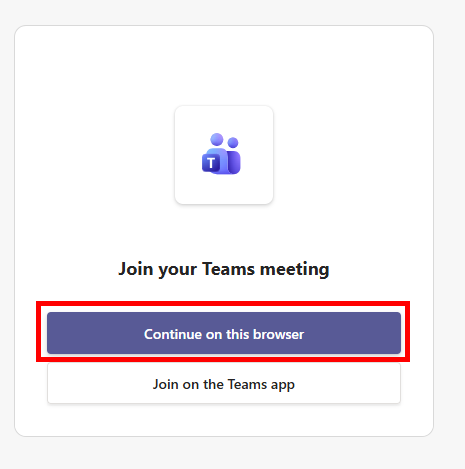 |
We want to make these articles as helpful as possible so please use the Yes/No buttons below to give us feedback.
Was this article helpful?
That’s Great!
Thank you for your feedback
Sorry! We couldn't be helpful
Thank you for your feedback
Feedback sent
We appreciate your effort and will try to fix the article