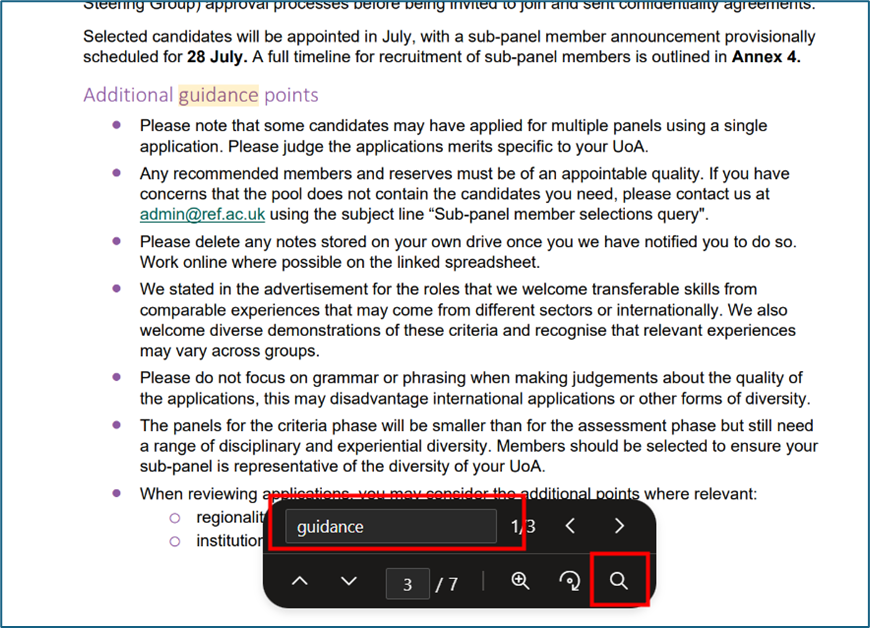
If you want to search through a PDF you need to use the magnifying glass option, near the bottom of the screen. If you use CTRL+F on Windows or Command + F on a Mac, that option will only search the headings of the PDF and won't search the content.
By using the magnifying glass option at the bottom of the screen it will search through the contents of the PDF document.
We want to make these articles as helpful as possible so please use the Yes/No buttons below to send us feedback.
Was this article helpful?
That’s Great!
Thank you for your feedback
Sorry! We couldn't be helpful
Thank you for your feedback
Feedback sent
We appreciate your effort and will try to fix the article