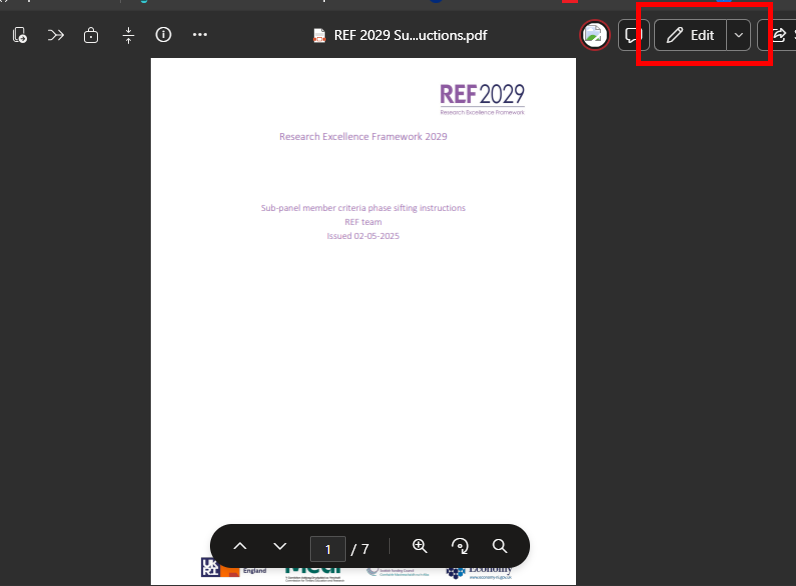
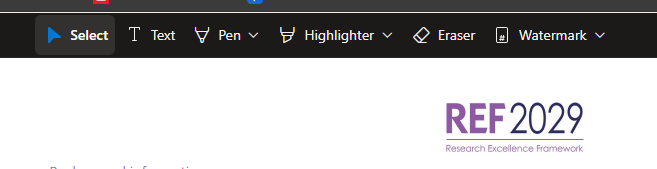
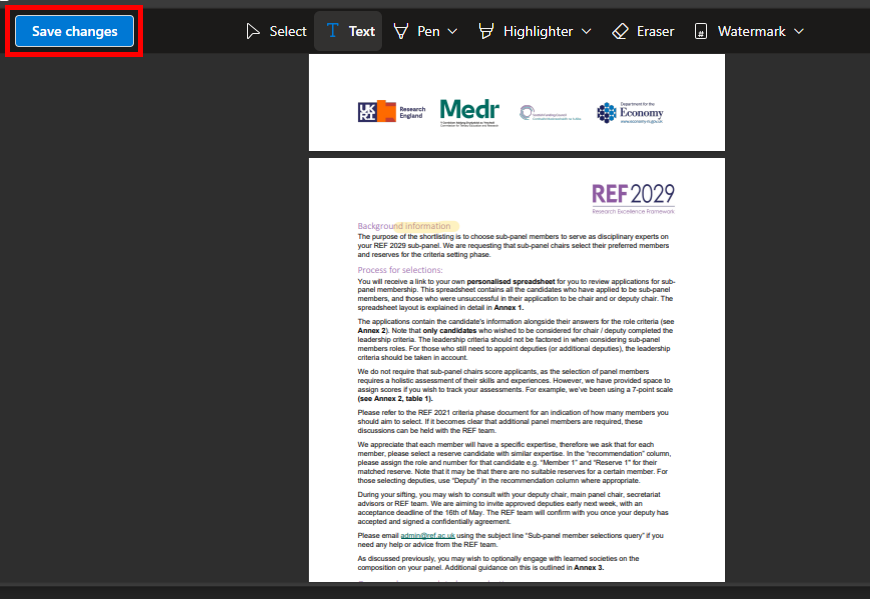
To make edits to a PDF on the REF Hub, please follow the instructions below. The features available are:
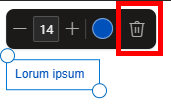
- Annotate with text boxes
- Draw with a free form pen
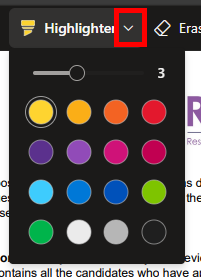
- Highlight
- Watermark
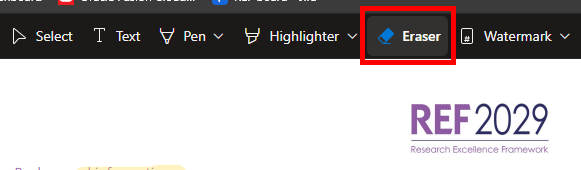
- Erase previous edits
NOTE: Any changes made to a PDF will be visible to everyone who has access to the file. If you want to edit meeting papers or other central resources, please make sure you make a copy first
|  |
|  |
|  |
|  |
|  |
|  |
We want to make these articles as helpful as possible so please use the Yes/No buttons below to send us feedback.
Was this article helpful?
That’s Great!
Thank you for your feedback
Sorry! We couldn't be helpful
Thank you for your feedback
Feedback sent
We appreciate your effort and will try to fix the article