The REF Hub is the system that appears whenever you sign in to your REF account.
There is more info on how to get started using the REF Hub in this article along with a link to an intro video.
You can use it to:
- open the following applications/areas:
- Outlook - access to email and calendar
- Teams - use to chat to other panel members and this is one way to access files
- OneDrive - access to files including My files which is your personal storage area
- Panel Members' Website (PMW)
- Panel members' handbook - a quick reference point for panel members
- Systems Help - access our range of systems guidance
- you'll also find links to the shared file areas that you have access to
When you click on an app, for example Outlook, it will open in another tab.
You can have multiple tabs open within the Hub so you can easily switch between different areas, for example Teams and Outlook.
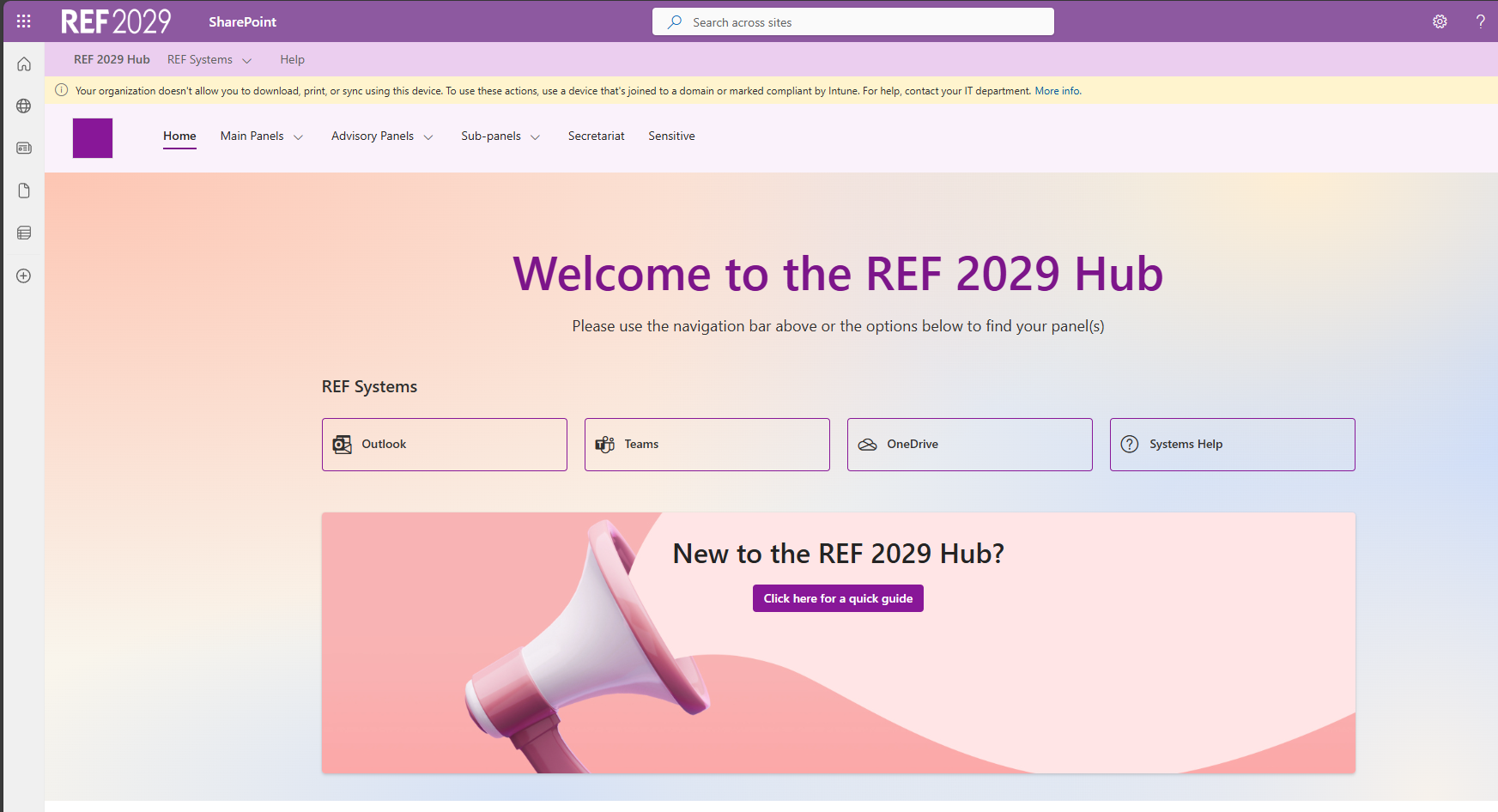
Click here for information about the yellow banner that appears at the top of the Hub home page.
We want to make these articles as helpful as possible so please use the Yes/No buttons below to send us feedback.
Was this article helpful?
That’s Great!
Thank you for your feedback
Sorry! We couldn't be helpful
Thank you for your feedback
Feedback sent
We appreciate your effort and will try to fix the article