You can use Microsoft Forms to send out a survey, or form, to other panel members.
Please note, the panel members will need to be logged on to the REF Hub to complete the form.
Click here for details of how to access Forms.
Microsoft have guidance on how to use Forms and we've listed some hints and tips below.
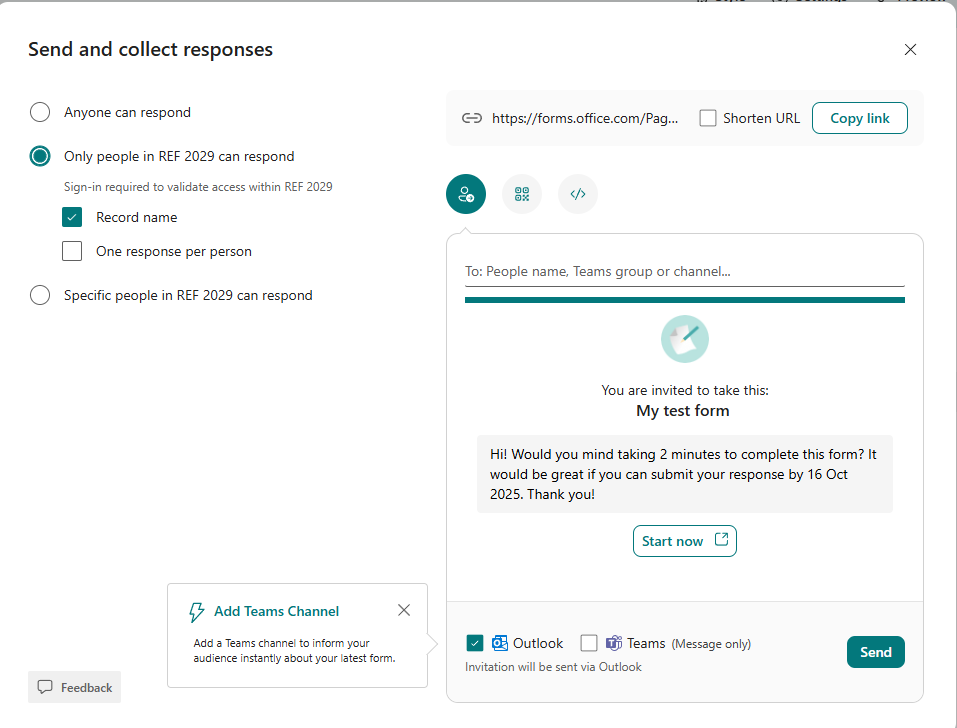
Send out the link to the form
|  |
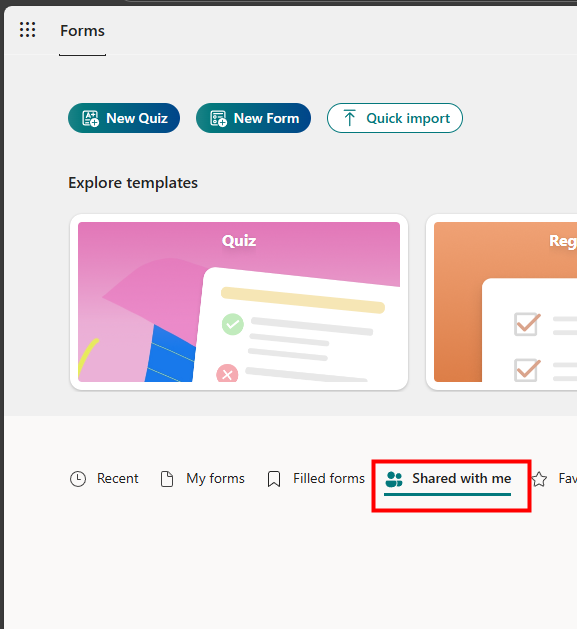
Share the responses with other people
|  |
Was this article helpful?
That’s Great!
Thank you for your feedback
Sorry! We couldn't be helpful
Thank you for your feedback
Feedback sent
We appreciate your effort and will try to fix the article