Microsoft Forms is an application you can use to create forms or surveys. For example, you could use it to send out a request for feedback from other panel members. By using Forms all the replies are saved in one place so it's easier to collate and review the responses, (rather than having to copy and paste responses from emails).
Microsoft have guidance on how to use Forms but please contact us at usersupport@ref.ac.uk if you have any questions about how to use it.
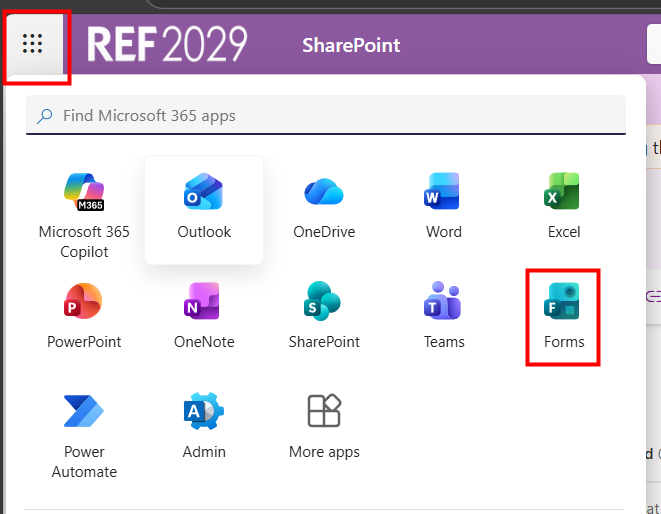
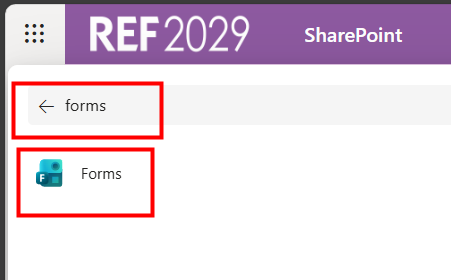
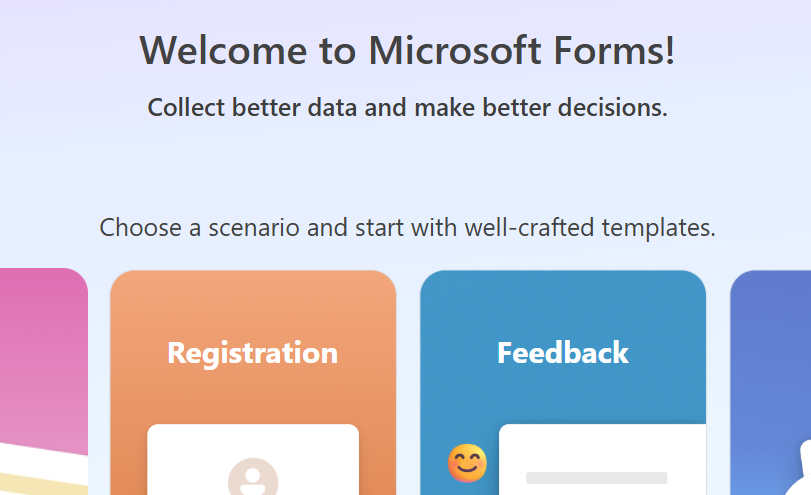
To access Forms:
|  |
|  |
|  |
We want to make these articles as helpful as possible so please use the Yes/No buttons below to send us feedback.
Was this article helpful?
That’s Great!
Thank you for your feedback
Sorry! We couldn't be helpful
Thank you for your feedback
Feedback sent
We appreciate your effort and will try to fix the article